Clearer text rendering
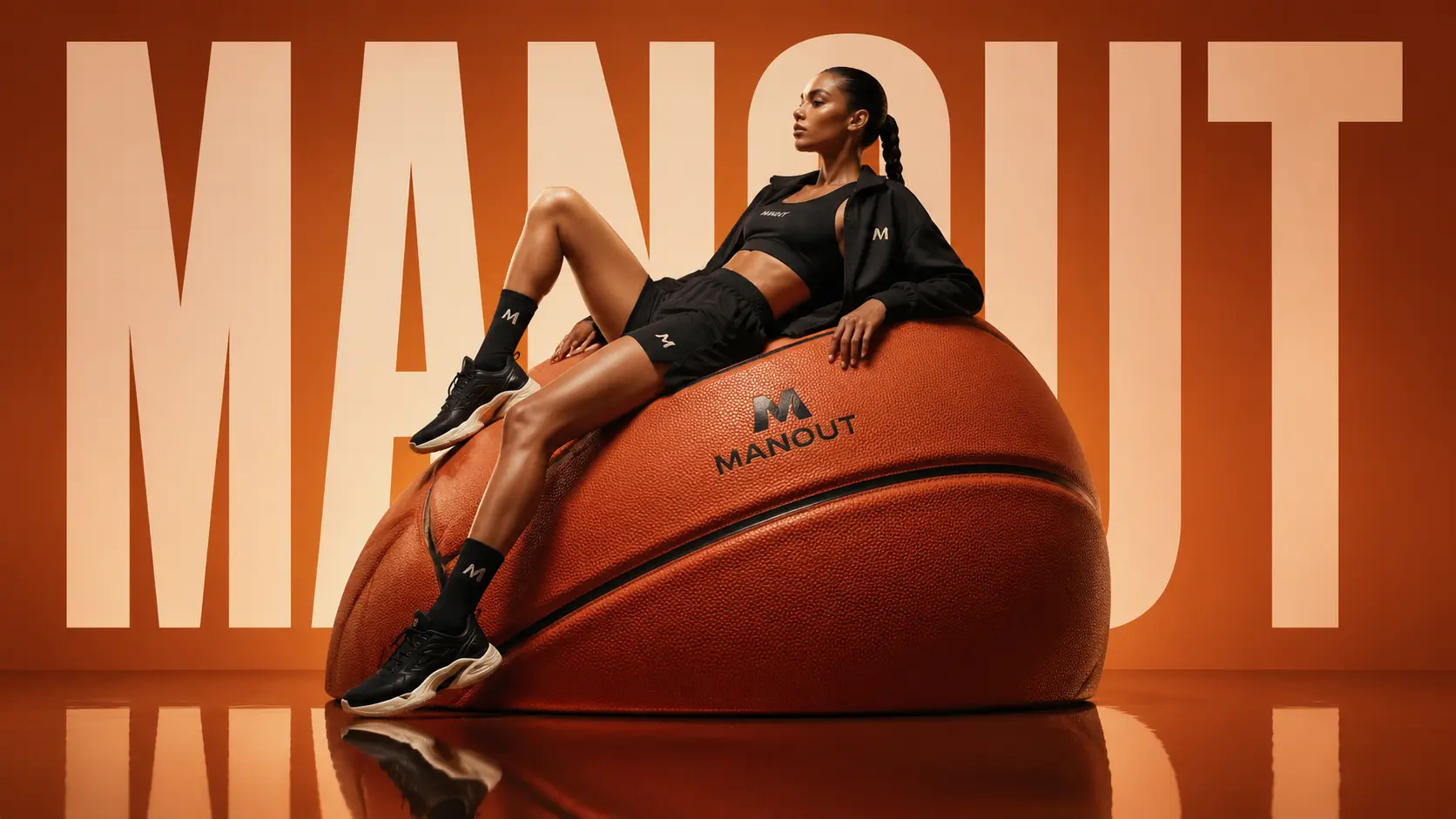
Useful for images with titles, labels, poster copy, and packaging concepts, reducing common text distortion issues.
Pictor AI GPT Image Generator
Turn creative ideas into high-fidelity, publication-ready assets. Pictor AI helps marketers, sellers, designers, and creators generate posters, product visuals, portraits, social covers, and concept imagery with a focused workflow.
Generated with GPT Image 2
Get inspired
A practical AI image workspace for creators, sellers, designers, and product teams that need many styles and scenes quickly.
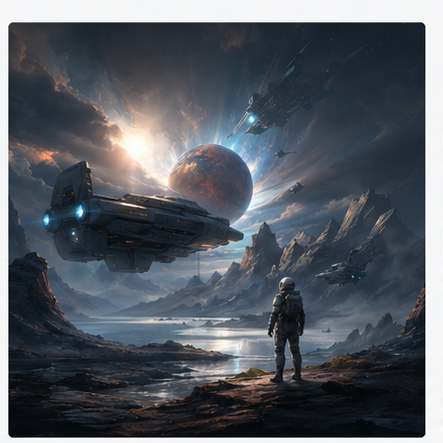
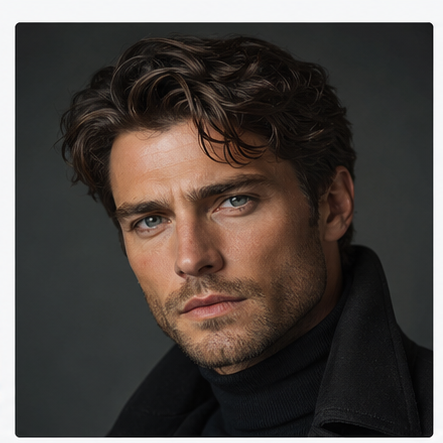
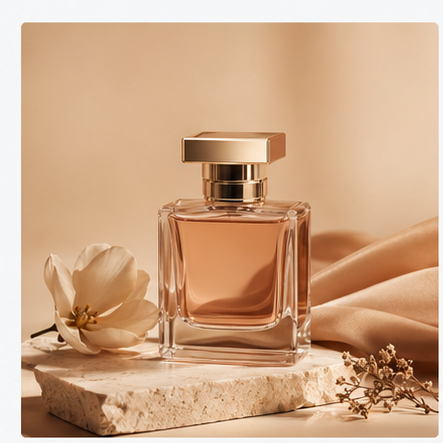
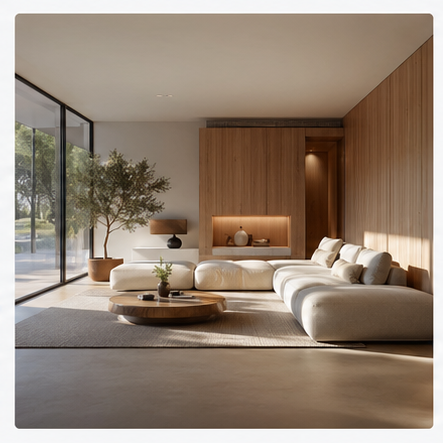
Model-backed generation
Pictor AI provides a focused creative workspace built on modern image generation models, including GPT Image 2 where available.
Useful for images with titles, labels, poster copy, and packaging concepts, reducing common text distortion issues.
Good for ecommerce visuals, brand assets, marketing images, and more complex compositions that need usable structure.
Choose aspect ratio, resolution, and quality. Results are saved to the dashboard for preview, download, and management.
How it works
No complex setup. Describe what you need, choose output settings, and generate on the creation page.
Describe the subject, scene, use case, style, and details, such as a product shot, ad creative, avatar, poster, or social cover.
Pick square, portrait, or wide formats, then choose 1k, 2k, 4k, and the quality mode that fits your use case.
Results are saved to your dashboard. You can view history, open a larger preview, and download images on supported plans.
GPT Image 2 is OpenAI's image generation and editing model. It can create images from text prompts and adjust uploaded images across style, scene, details, and composition.
GPT Image 2 is strong at following detailed natural-language instructions, combining subject, scene, style, aspect ratio, and use case into images that fit publishing and design workflows.
Yes. It is useful for marketing posters, product visuals, portraits, social covers, concept imagery, and design references. Pro outputs can be used commercially.
You can create new images or edit existing ones, including background changes, style transfer, local adjustments, image enhancement, product visuals, character images, and social media assets.
Yes. Describe the image you want in natural language, choose an aspect ratio, resolution, and quality, then generate without needing advanced design software skills.
Timing depends on image specs, quality, and service load. Basic generation is suitable for quick drafts, while Pro can use higher specs and priority processing.
Yes. You can choose 1k, 2k, or 4k resolution and different quality modes depending on whether you need drafts, published content, or more polished commercial assets.
Yes. It can handle multiple people, objects, and subjects. For steadier results, describe each subject's position, action, relationship, and visual priority.
If you have trouble with generation, editing, downloads, or subscriptions, contact support@chatgpt-image.app and we will help investigate.